Xbox is expanding customization and control across console, PC, mobile, and handheld platforms, giving players more flexibility in how they manage and experience their games. Console improvements include the ability to pin more groups to Home, create custom color themes, disable Quick Resume on a per-game basis, and use an improved Play History along with better streaming controls. On PC, players can add any game to their library, pin favorites for quick access, navigate with a gamepad cursor, and reposition notifications. The mobile app now sends alerts for wishlist updates, while ROG Xbox Ally devices gain docking enhancements, improved audio features, and support for new PC tools, plus a preview of Auto Super Resolution. Additional touches like dynamic backgrounds and a Rewards sweepstakes round out the changes, all aimed at making the gaming experience more personalized and seamless.

Console Updates
More Groups on Home
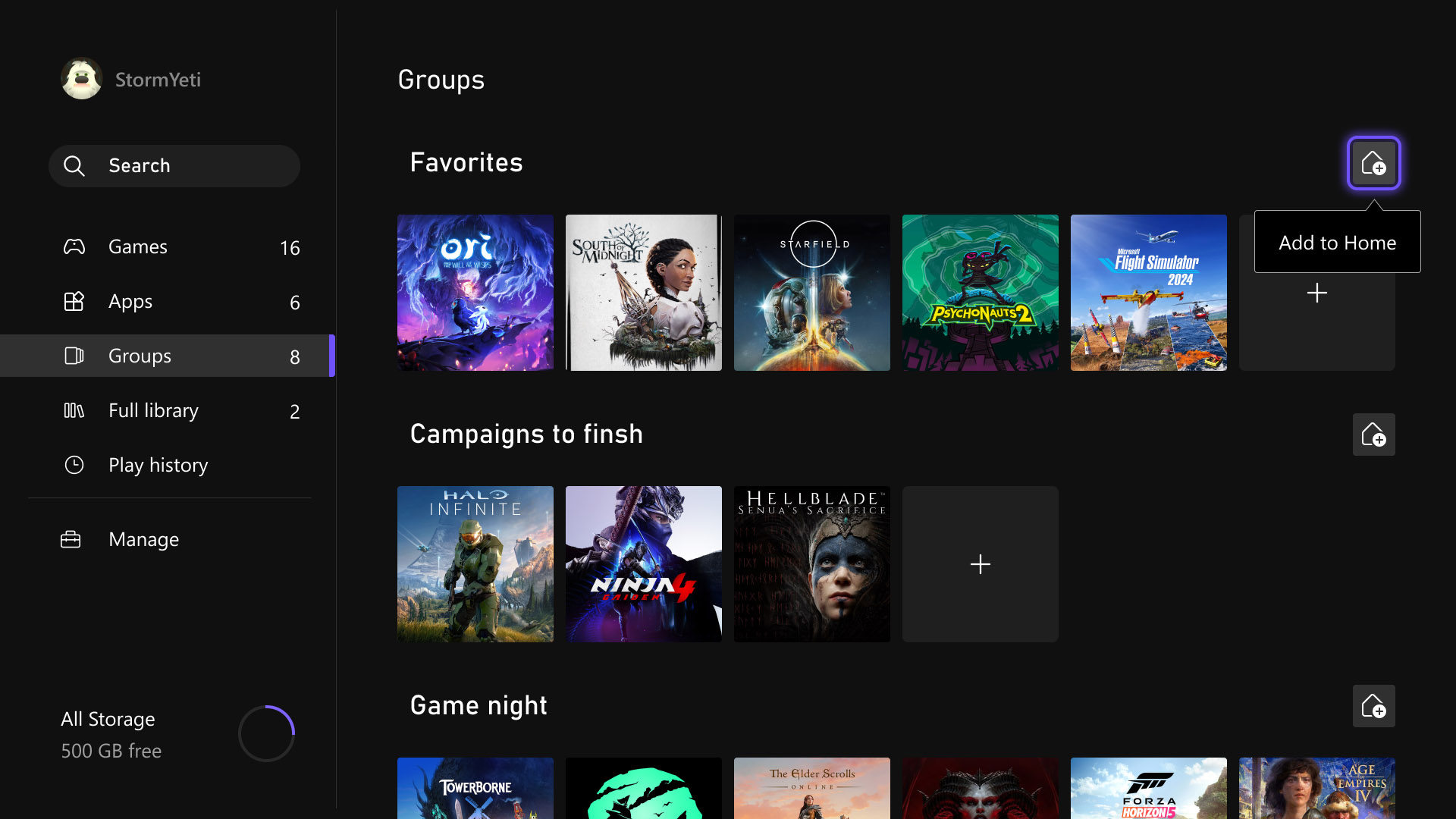
Last month, several highly requested console updates were introduced in the Xbox Insider preview, and they are now available to all players. Users can now add up to ten groups to their Home screen instead of two, allowing for greater flexibility in organizing games and apps. Group management has also been streamlined, with reordering now matching the familiar process used for moving games on Home. In addition, pinning groups has been improved with clearer indicators in My Games & Apps, making it easier to see which groups are already added and customize the layout more efficiently.
Custom Color
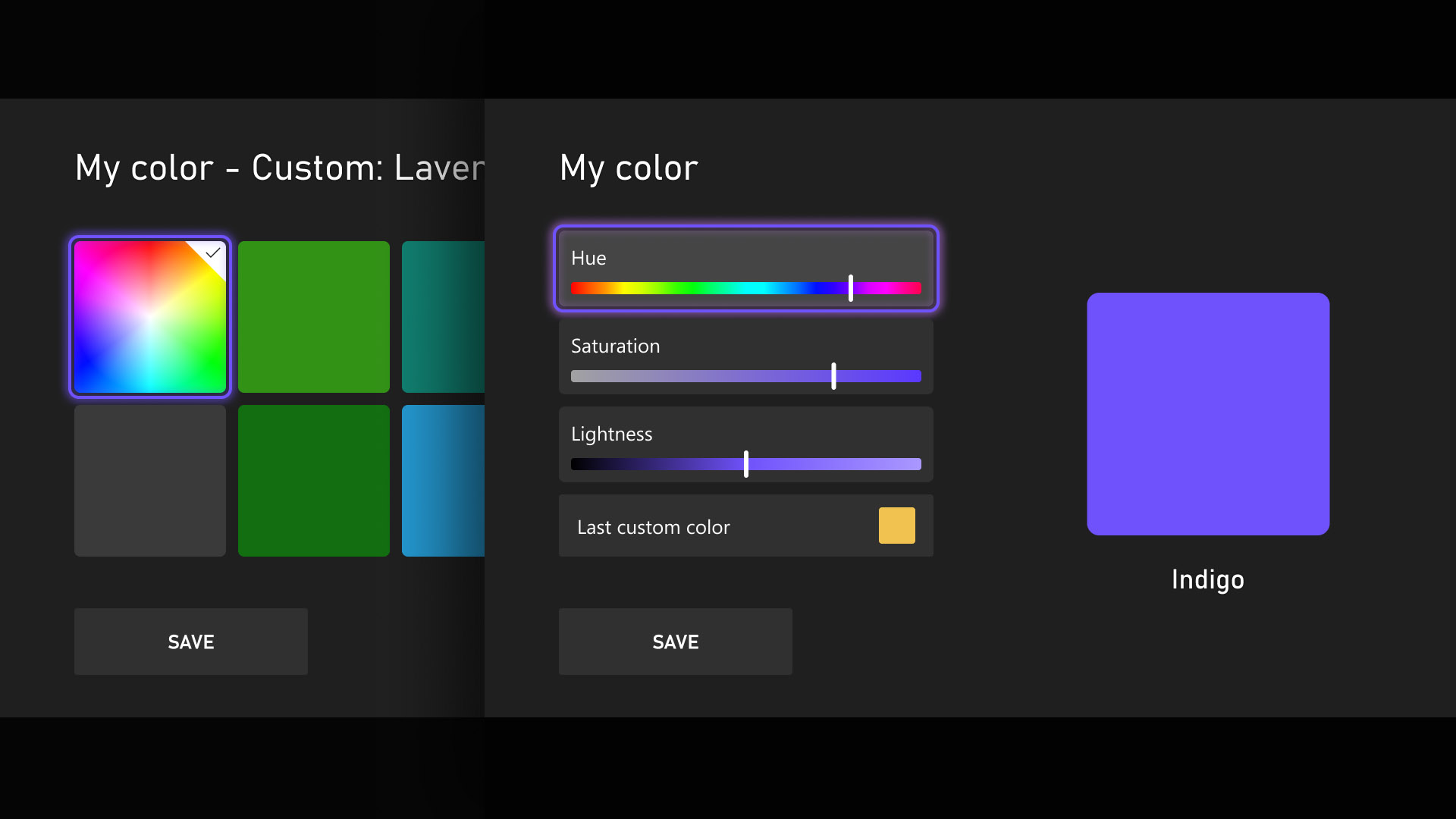
Personalization and self-expression are emphasized as key parts of the console experience, with the introduction of custom colors expanding options beyond the existing palette. Users can now design a personalized color by adjusting sliders to fine-tune hue and shade, with the selected color appearing subtly across the console, including as an accent in the Guide. Those who prefer a simpler interface can disable these accents through Settings > General > Personalization > Customize the guide. To ensure clarity and usability, several safeguards have been added, and previously chosen custom colors are automatically saved when switching back to system defaults, allowing easy reuse later.
Quick Resume Settings
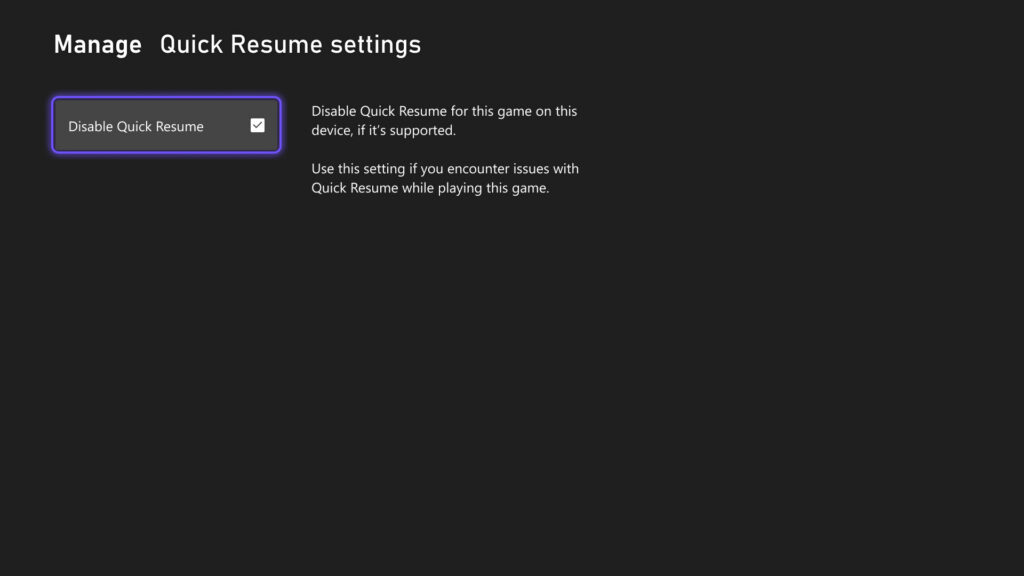
Quick Resume remains one of Xbox’s most popular features, though feedback has highlighted performance issues after long inactivity or with games that depend heavily on online connectivity. To address this, users can now disable Quick Resume on a per-game basis, ensuring selected games always start fresh. This option is accessible by opening More options on a game tile within the Quick Resume group and selecting Manage Quick Resume, or by navigating to any game tile and choosing Manage game and add-ons > Quick Resume settings.
Play History Update
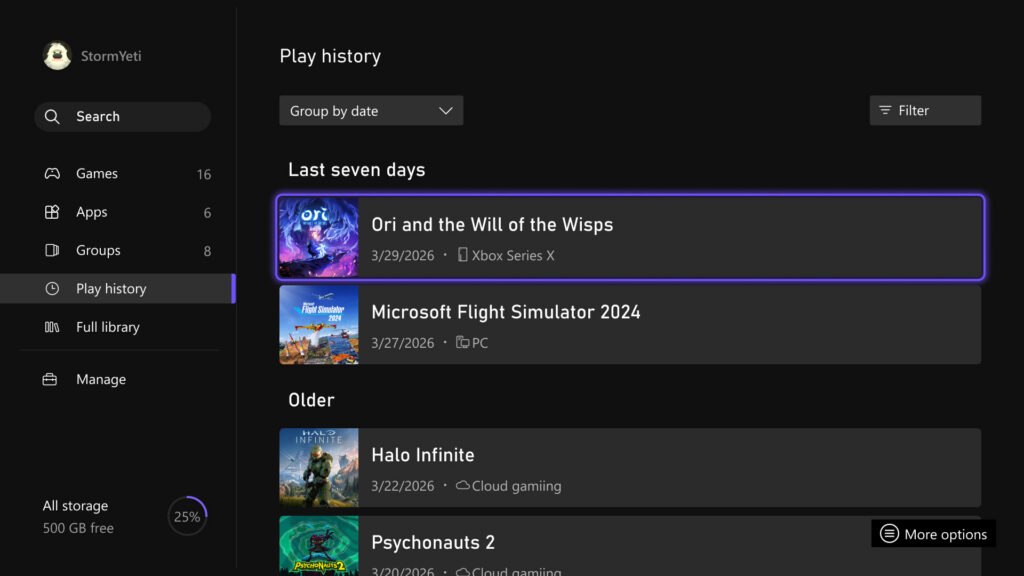
The Play History experience on console has been updated to make it easier to find, browse, and use from any entry point. A new Play History tab within My games & apps provides direct access without needing to return to Home. The layout has also been redesigned into a horizontal format with clearer grouping based on recency, allowing faster resumption of recently played games. Overall, the update delivers a more streamlined and accessible Play History experience that keeps recent gameplay readily available across devices.
User Selected Resolution and Network Quality Indicator
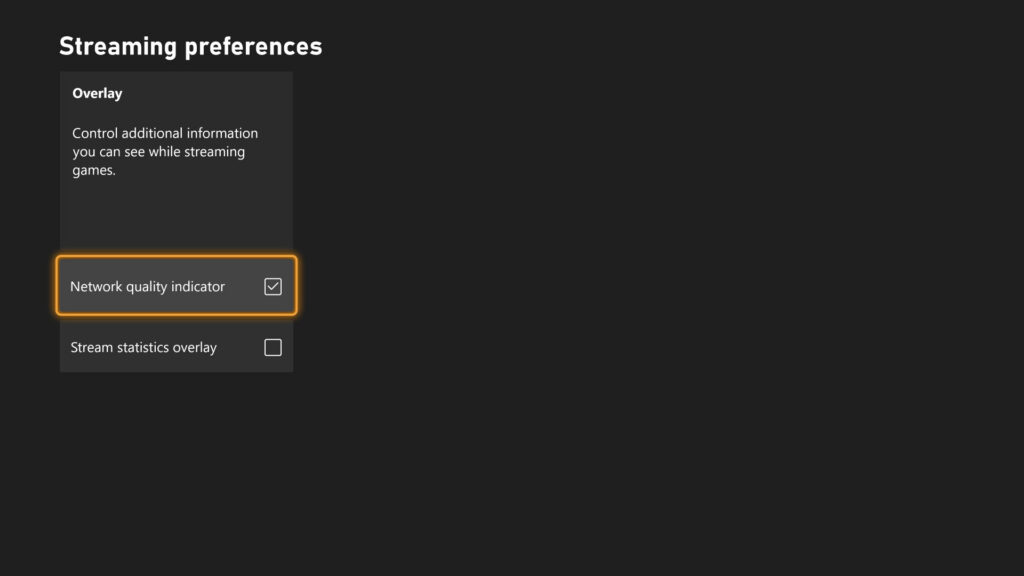
Streaming settings have been updated to provide clearer control and improved transparency over the gaming experience. New options include User Selected Resolution (USR), allowing players to choose their preferred streaming resolution in Console Settings > Cloud Settings before starting a session. A Network Quality Indicator (NQI) has also been introduced, offering real-time feedback on network performance while streaming to help users understand how their connection affects gameplay. These changes are designed to give players more insight and control, resulting in a more consistent and confident streaming experience.
CLICK "READ MORE" to See the Rest of the Updates