

Because Splitscreen requires a screen with an output of 720p or higher, the console's video output needs to be configured accordingly. The video mode can be checked by going to Settings > System > Console Settings > Display - Make sure this is set to 720p or higher.
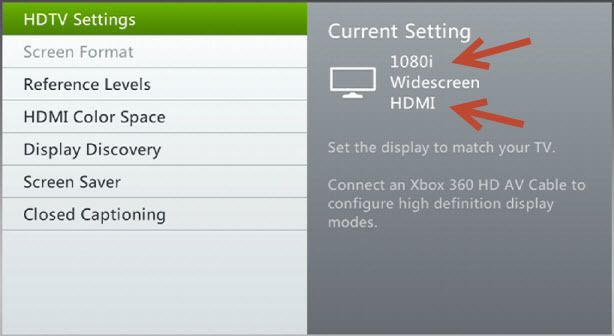
Step 1. Select play game and choose to either Create a New world or Load a previous world and make sure you are using 720p video.

Step 2. Make sure to uncheck the Online Game box.

Step 3. After entering the world, press start on the controller you wish to bring into the game.

Step 4. Sign in the player who will be using the controller.

Local splitscreen can be played with up to 4 players.
Online Splitscreen
The following guide will show step by step how to setup and play an Online Splitscreen game